
A security wallet
for the AI era.
Bring Litecoin payments, authentication, and supported AI-agent approvals into one wallet experience. Sign in, add verification, and decide which actions you authorize.
New here? Start with the basics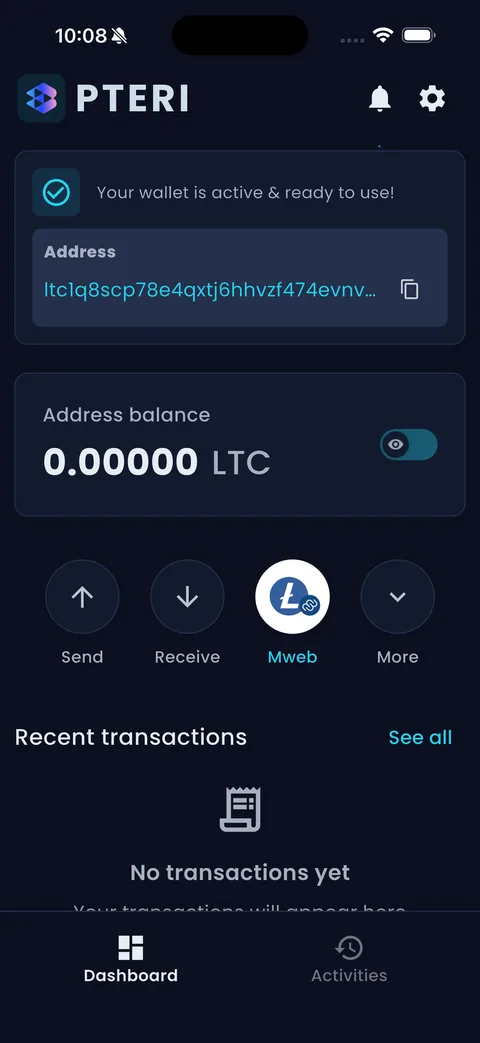
 Published iOS simulator screens · Features vary by release
A real interface.
A clearer next step.
Explore the app screens already published by PTERI. Choose the platform and release for the features you need.
Wallet overview and available action controls.
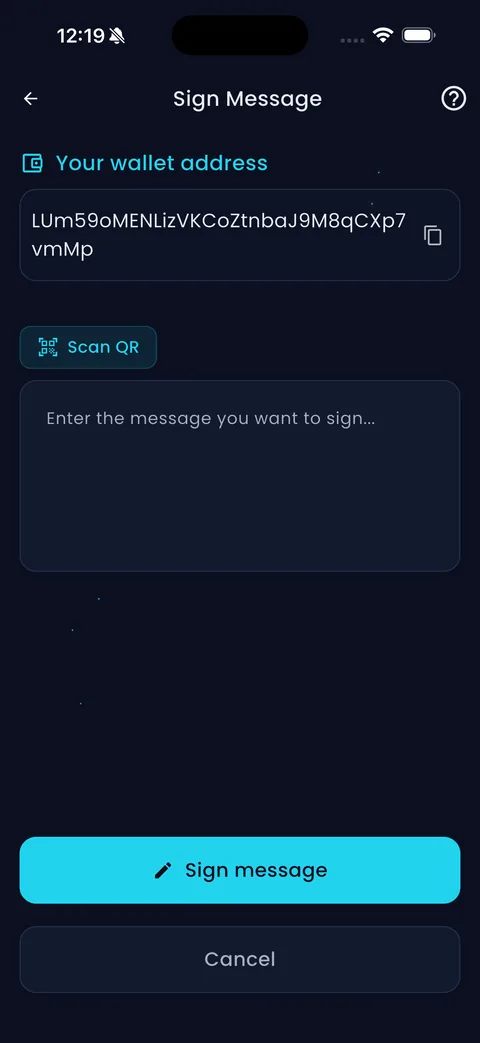
The message-signing interface shown in the existing app gallery.
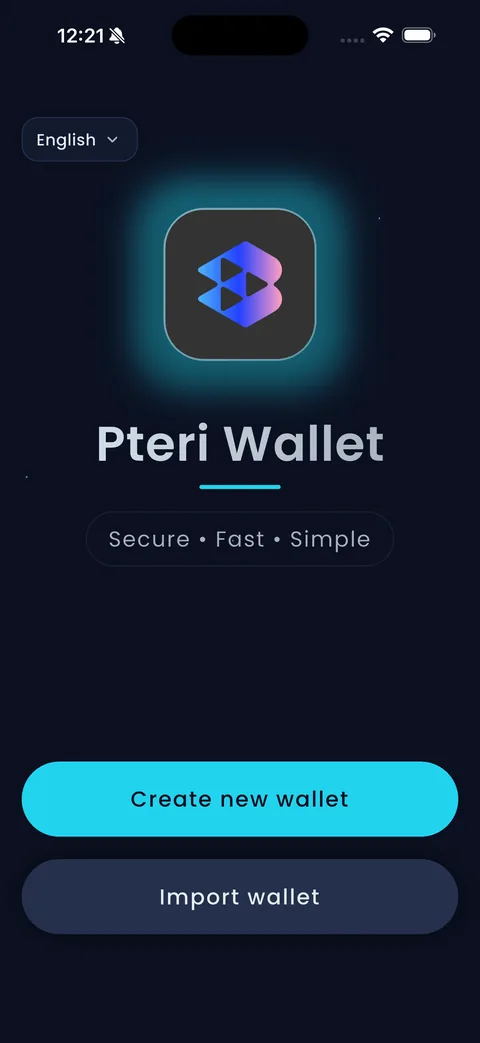
Create a wallet or restore a compatible one.
Existing published iOS simulator captures, not a certification of the current release or of Android/web feature parity.
Your style.
Your choice. Your colors.
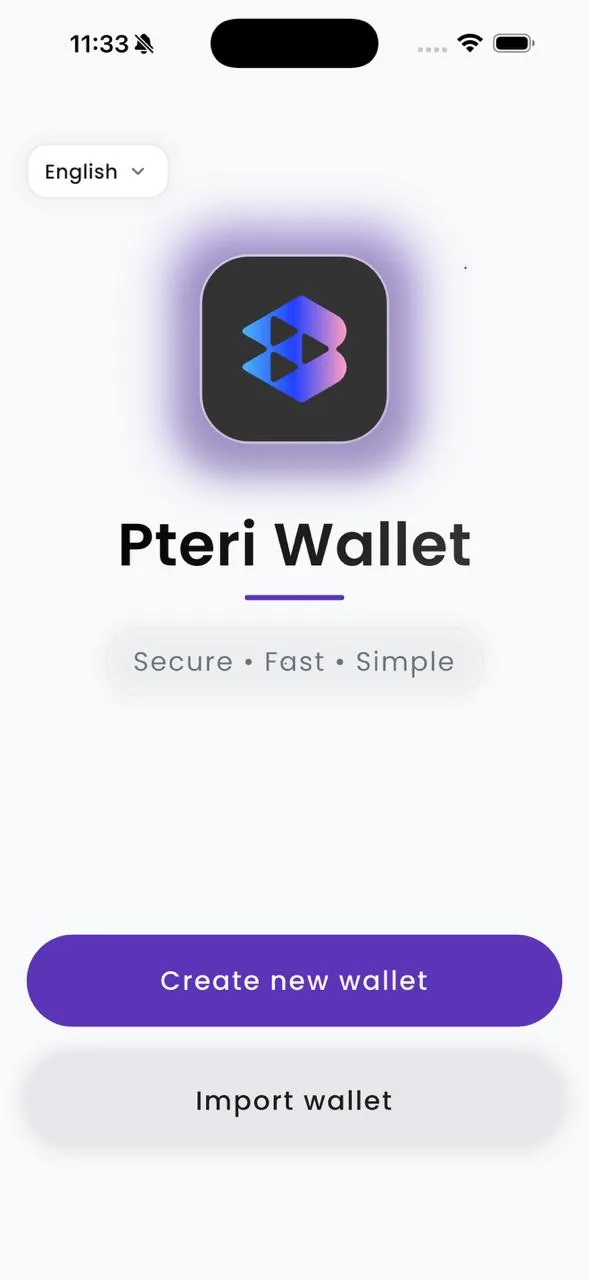
Pick a look that feels like you. Explore light, dark, and colorful appearances from the published wallet gallery.
A wallet with room for personality.
Prefer a clean light screen, a dark canvas, or a little more color? Explore the appearances shown in our published gallery.
This changes the gallery preview only. Confirm current theme names and availability in your selected app release.
Protect access.
Make authority explicit.
Your identity, your payments, and your agents carry different responsibilities. Make each decision intentional.
Know who is asking.
Use supported authentication and additional verification steps to establish access to connected services.
Understand what you approve.
Review the requesting application and the relevant action details before signing or approving.
Give agents defined authority.
Approve supported agent requests within the permissions and limits enforced by the connected application.
PTERI Wallet is your interface for supported wallet and signing workflows. The connected service still enforces permissions and its final decision.
Understand security and recoveryPayments, identity,
and authority in one experience.
Choose the task you need. Features depend on your wallet release and the connected application.
Use web or mobile.
Choose a wallet experience that connects you to supported Litecoin and PTERI workflows.
Choose your platform02Authenticate with your wallet.
Sign a request from a connected application. The application verifies the proof and applies its account and access rules.
Understand authentication03Add a second verification step.
Use supported two-factor authentication or approval flows for sign-ins and sensitive actions.
Explore verification flows04Authorize agent actions.
Use supported PTERI integrations to approve defined actions involving AI agents. Scope and permission checks remain part of the application.
Understand agent authority05Access Pteri-Auth services.
Where enabled, use wallet-based sign-in and approvals in Pteri-Auth-connected services. Your account role determines what you can manage.
Explore the PTERI platform06Pay peer to peer in LTC.
Send Litecoin to a supported recipient address. Review the destination, amount, and fees before approving.
Read transfer guidanceAuthentication, second-factor verification, and action authorization are distinct functions. Use the flow supported by the service you connect.
What brings you here?
Start with your task. No need to learn the whole platform first.
I’m creating a wallet.
Choose a platform and understand the backup steps before you begin.
Start a new wallet02I’m restoring access.
Check your wallet format and choose a compatible restoration path.
Plan your restore03I’m coming back.
Open the wallet on the browser or device you used before.
Return to your walletSee the request.
Then decide.
The wallet also connects to supported PTERI signing workflows. Check what an application is asking before you approve. The application still makes its own policy decision.
Signing and approval availability depend on the wallet release and the connected integration.
Illustrative approval sequence; not a claim that every app is supported.
Find your wallet experience.
Web and mobile have different requirements. Choose the release that supports what you need.
PTERI Wallet for
iPhone and iPad.
Keep your wallet close. Check the App Store listing for compatible devices and current features.
 Availability and features depend on the release.
PTERI Wallet for
Android.
Bring your wallet to your Android device. See the current release and device requirements on Google Play.
 Check the app and publisher before installing.
Your wallet,
on the web.
Open the Web Wallet in a supported browser. Review backup and restoration guidance before you begin.
Read the setup guideBefore you begin.
Which PTERI website should I use?
Use this site for wallet guidance and downloads, wallet.pteri.org for the browser wallet, and pteri.org for the broader PTERI platform.
Are the web and mobile versions identical?
Do not assume the same features are available everywhere. Check the current release and platform requirements for the operation you need.
Can I restore any Litecoin wallet?
Restoration depends on the supported recovery format, address types, and relevant wallet settings. Check compatibility before importing.
Can support recover my wallet for me?
Support can explain the supported process. Recovery depends on the required material and compatibility; it is not guaranteed. Do not send recovery phrases or private keys to support.